Update an Existing Producer Profile
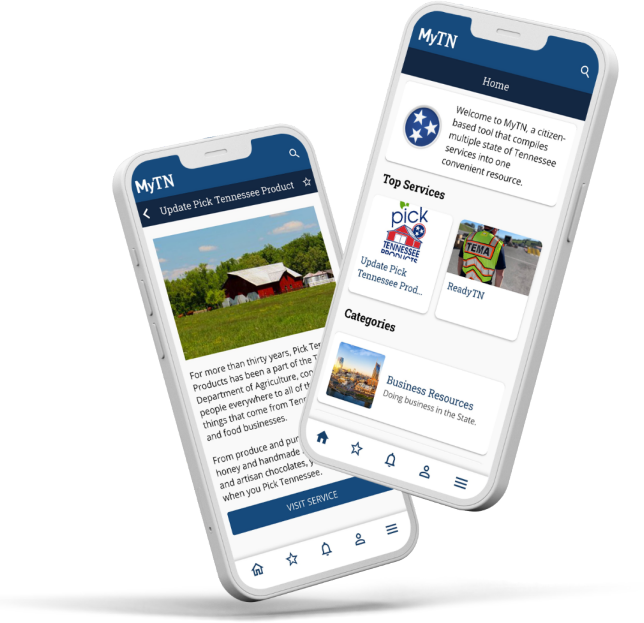
Step 1: Download or Update the MyTN App
Install the MyTN app from the Apple App Store or Google Play. Make sure you are using MyTN version 3.5.0 or later.


Step 2: Create a MyTN Account or Sign In
Create a MyTN profile or sign in using your existing account. You may be asked to verify your email address or phone number.
Step 3: Find Your Producer Record
From the MyTN Home screen, select Update Pick Tennessee Products, choose Visit Service, and enter your Producer Business Name.
Step 4: Review and Update Your Producer Record
Review each page of your producer record, make any needed changes, and select Save when finished.
Step 5: Submit Your Changes
Some changes may require approval by a Pick Tennessee Products administrator. Other updates will be applied automatically and appear on the website the following morning.
Need Detailed Instructions?
View the complete step-by-step guide, including screenshots and troubleshooting tips.
Important: For the easiest record match, use the same email address and phone number associated with your Pick Tennessee Products Producer record.
For questions regarding MyTN and account setup, please email us at MyTN.Support@tn.gov
For any other questions or additional assistance, email us at pick.tn@tn.gov